
80/20 Rule in
Sitting
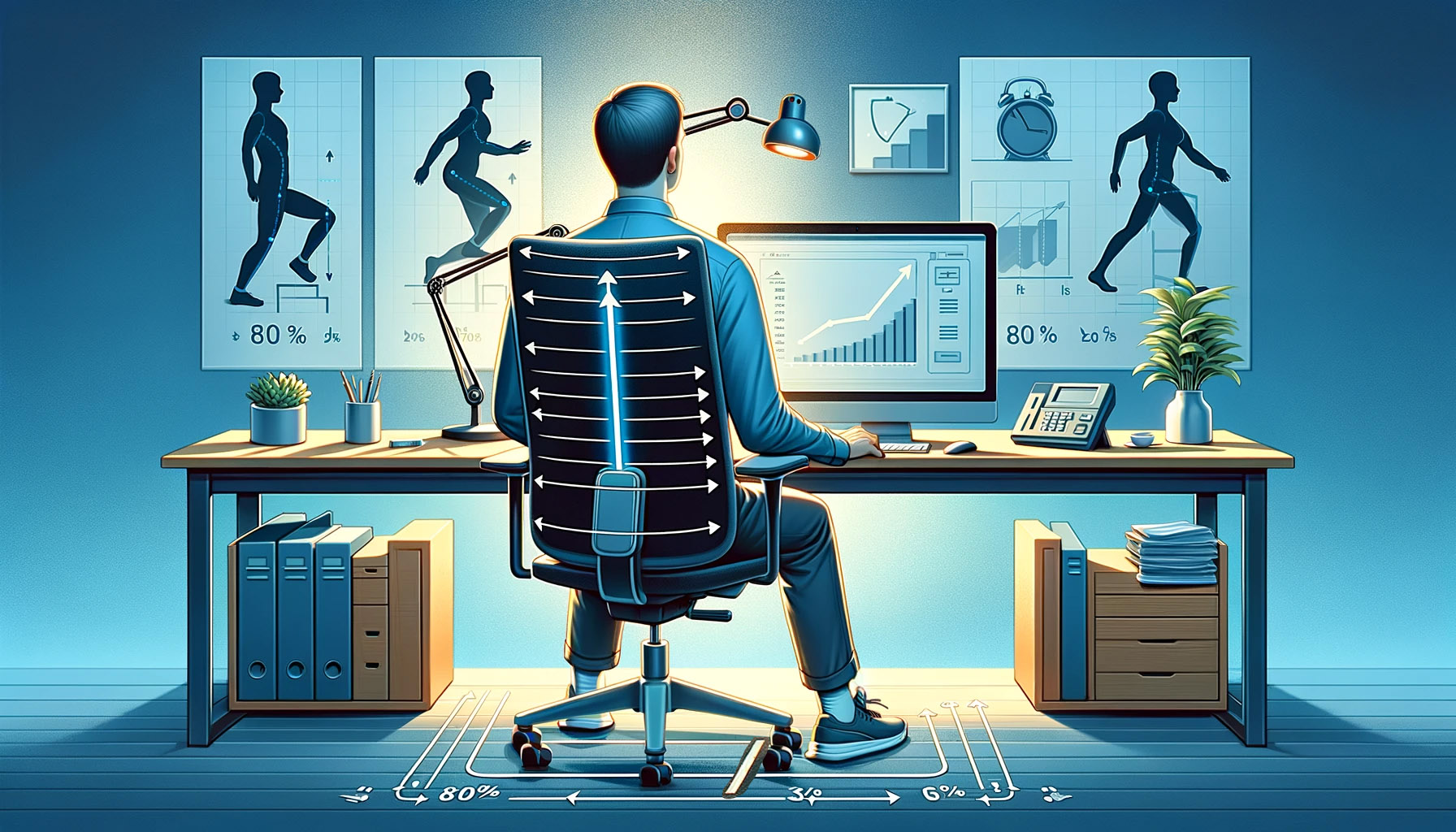
Most people blame sitting itself for their back and neck pain. The bigger problem is usually sitting still, at the wrong height, for far too long without a break. A chair, a desk, and a monitor set up correctly, combined with a habit of moving every so often, fix most of what actually causes desk discomfort, and neither one requires buying anything expensive.
The 80/20 rule fits sitting better than most productivity topics, because desk pain really does cluster around a handful of causes. A few measurements at your workstation resolve most day-to-day discomfort. A few minutes of movement per hour undo more harm than an entire day of trying to sit perfectly straight. Fix those few things first, and the rest of the advice about sitting stops mattering nearly as much.
Set Chair and Desk Height Before Buying Anything Else
Most ergonomic guidance boils down to a short list of measurements: feet flat on the floor or a footrest, hips and knees at roughly the same height, elbows bent around 90 degrees when your hands rest on the keyboard, and the top of your monitor at or just below eye level, about an arm's length away. Get those four right and you have already solved most of what an expensive chair is trying to fix.
80/20 example: A remote worker with chronic shoulder and neck tension spent months researching ergonomic chairs before ever measuring anything. Once she raised her desk two inches, dropped her chair so her feet sat flat, and moved her laptop onto a stand at eye level, most of the tension disappeared within a week, before she bought a single new piece of furniture.
- Feet flat on the floor or a stable footrest
- Hips and knees at roughly the same height, thighs close to parallel with the floor
- Elbows near 90 degrees when typing, shoulders relaxed rather than shrugged
- Top of the screen at or just below eye level, about an arm's length from your face
A Timer Beats Willpower for Breaking Up Long Sitting
Research on sedentary behavior consistently points to one pattern: the same total amount of sitting spread across shorter bouts, broken up by standing or walking every so often, tends to be easier on blood sugar and circulation than one long uninterrupted stretch. The damage from sitting is not just about how many hours you log. It is about how few times you get up during those hours.
8020 move: Set a recurring timer for every 45 to 60 minutes. When it goes off, stand up and move for two minutes, walk to refill water, climb a flight of stairs, stretch your hips, before sitting back down. That one habit does more for a desk worker's long-term health than any amount of effort spent perfecting posture, a lever that also shows up directly in exercising and overall activity levels.
Support Your Lower Back Instead of Forcing a Straight Spine
The old advice to "sit up straight" oversimplifies things. Your lower back has a natural inward curve, and sitting without support behind it tends to flatten that curve and load the front of your spinal discs more than standing does. A rolled towel, a small cushion, or a chair's built-in lumbar support behind your lower back restores some of that curve without forcing you into a rigid posture you cannot realistically hold for eight hours anyway.
The most useful mental model is not one correct posture. It is that the best sitting posture is usually the next posture. Shifting your weight, changing recline angle, or standing for a phone call all reduce the time any single set of tissues spends under the same load, which matters more than finding one textbook-perfect position and holding it all day.
Fix the One or Two Screen Mistakes Causing Your Eye Strain
Neck and eye strain at a desk usually trace back to one or two specific mistakes rather than a dozen bad habits. A screen positioned too low forces the neck into a forward tilt held for hours. A screen too close or too far forces the eyes to work harder to focus, and a bright screen in an otherwise dark room adds glare that tires the eyes faster than the screen's actual content ever would.
| Common mistake | Simple fix |
|---|---|
| Laptop flat on the desk, screen well below eye level | Raise it on a stand or a stack of books until the top of the screen sits near eye level |
| Monitor closer than about arm's length | Push it back so your arm, extended, nearly reaches the screen |
| Bright screen in an otherwise dark room | Match room lighting closer to screen brightness, or lower screen brightness at night |
| Screen off to one side of your keyboard | Center the monitor directly in front of you so your neck stays neutral |
None of these fixes cost much, which is exactly why they get skipped in favor of buying a fancier monitor arm or a new pair of glasses. For anyone doing remote work from a kitchen table or a laptop stand, checking these four screen details first is worth more than most gear upgrades.
Comfort at a Desk Comes From a Short, Repeatable Checklist
None of this requires becoming an ergonomics expert. It requires getting four workstation measurements right once, setting a timer you actually respect, supporting your lower back instead of forcing a rigid posture, and fixing whichever one or two screen habits are creating your specific strain.
Desk discomfort rarely comes from everything being slightly wrong. It usually comes from one or two specific things being wrong for hours at a stretch. Find those one or two things for your own setup, fix them this week, and most of the ache you have been treating as normal will stop feeling normal, a principle that carries over cleanly into productivity more broadly, where a few environment fixes usually beat a new system.